ThorDocs is Trinity Medical Management's private document platform. Access is limited to accounts provisioned by your administrator, and sign-in is verified against TMM's Cognito user pool.
-
Open the sign-in page
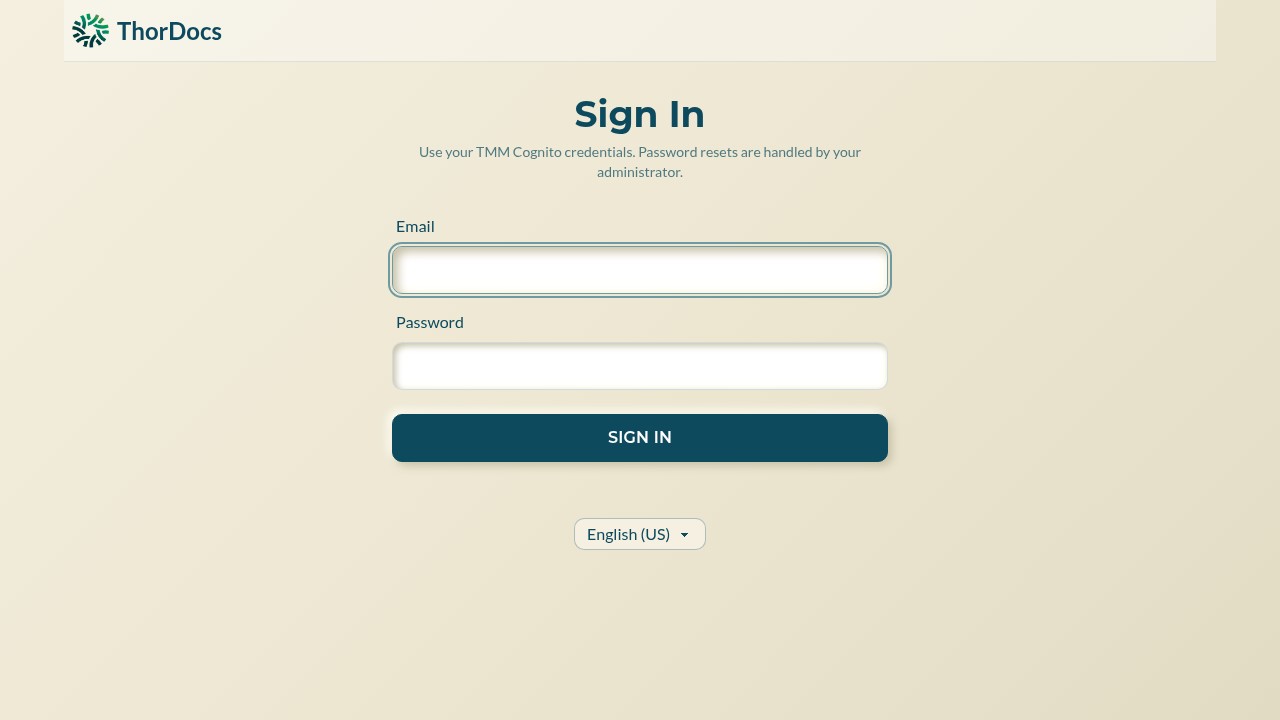
Go to thordocs.thormed.ai and select Sign In. Enter the email address and password your administrator issued to you. There is no self-service registration and no self-service password reset — if you are locked out, contact your administrator, who manages credentials centrally.
-
Know your role
Every account carries one of four roles, assigned by your administrator. A viewer can open templates and submissions but cannot change anything. An editor can build, edit, and send documents. An admin can additionally manage users, account settings, webhooks, and the audit log. A small set of platform super-admins can also switch feature flags across accounts.
-
Pick your language
The selector below the sign-in button changes the interface language. Recipients signing a document get their own language options on the signing page, independent of yours.