Settings → Account holds the account-wide basics that every template and email inherits. Admin role required.
-
Set the identity fields
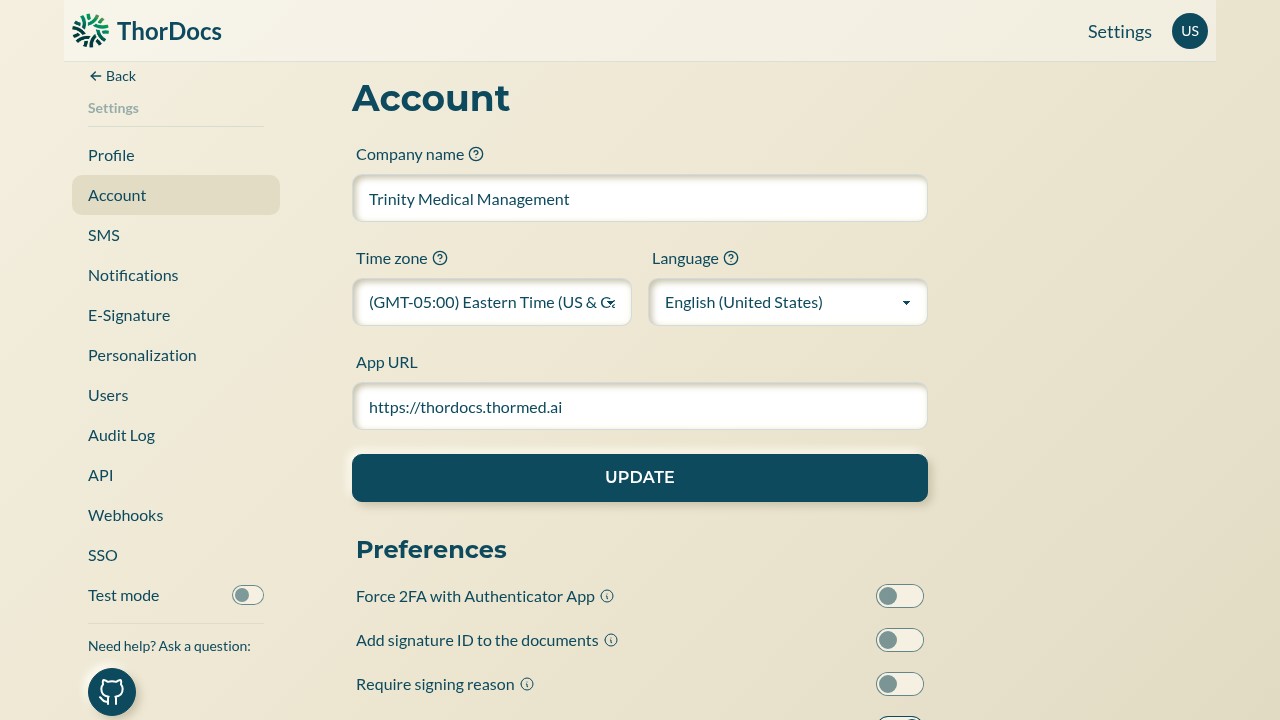
Company name appears in emails and on signing pages; time zone controls how timestamps render; language sets the default interface language; App URL is the base address used in generated links. UPDATE saves.
-
Choose signing preferences
The Preferences block turns on stricter signing behavior for the whole account — force two-factor authentication with an authenticator app, print a signature ID on completed documents, or require signers to give a reason with their signature.
-
Review adjacent pages
The same settings sidebar leads to SMS, Notifications, E-Signature (the signing certificate), Personalization, and the admin pages covered by the other guides in this section.