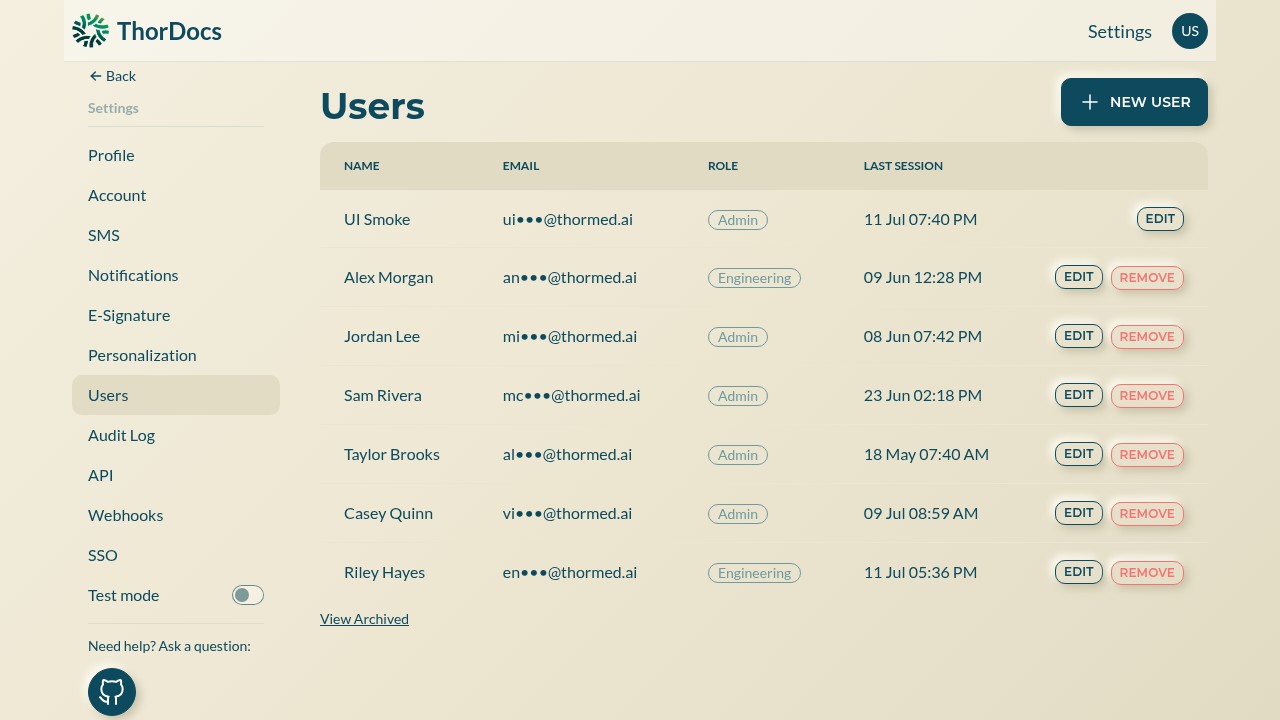
Settings → Users lists everyone in the account with their role and last session. User identities live in TMM's Cognito directory; ThorDocs reads each user's role from it.
-
Add a user
Select NEW USER and enter the person's name and email. Credentials and password resets are handled by your administrator in the directory, not by the user — there is no self-service reset on the sign-in page.
-
Assign the right role
Viewer for read-only access, editor for building and sending, admin for settings and user management. Platform-level super-admin rights (feature flags across accounts) are granted separately at the deployment level, not from this page.
-
Offboard cleanly
REMOVE archives a user rather than erasing them — their name stays attached to historical templates, submissions, and audit entries. View Archived shows past users and lets you restore one who returns.