ThorDocs exposes a REST API for creating submissions programmatically and webhooks for hearing about signing activity as it happens. Both are configured under Settings.
-
Manage your API token
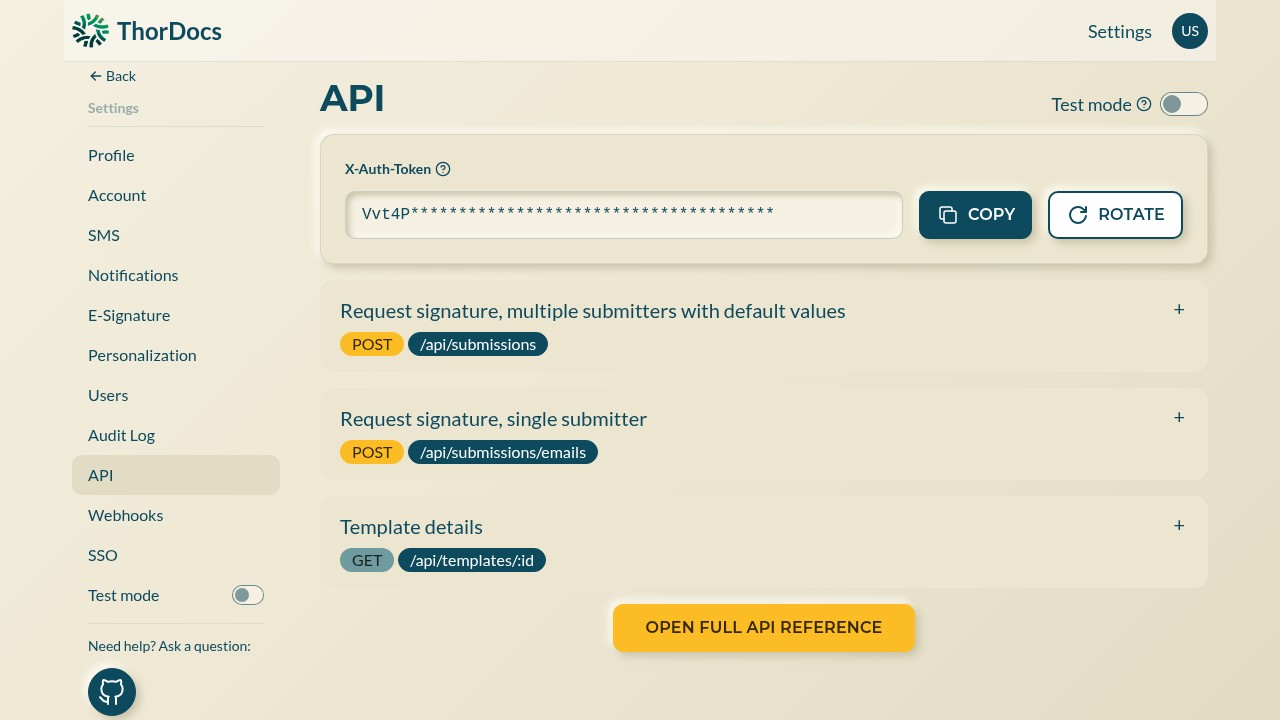
Settings → API shows your X-Auth-Token with COPY and ROTATE controls — rotate immediately if a token may have leaked. The page also previews the most-used endpoints, such as creating a submission from a template, and links the full API reference. Use Test mode to experiment without touching production data.
-
Point a webhook at your system
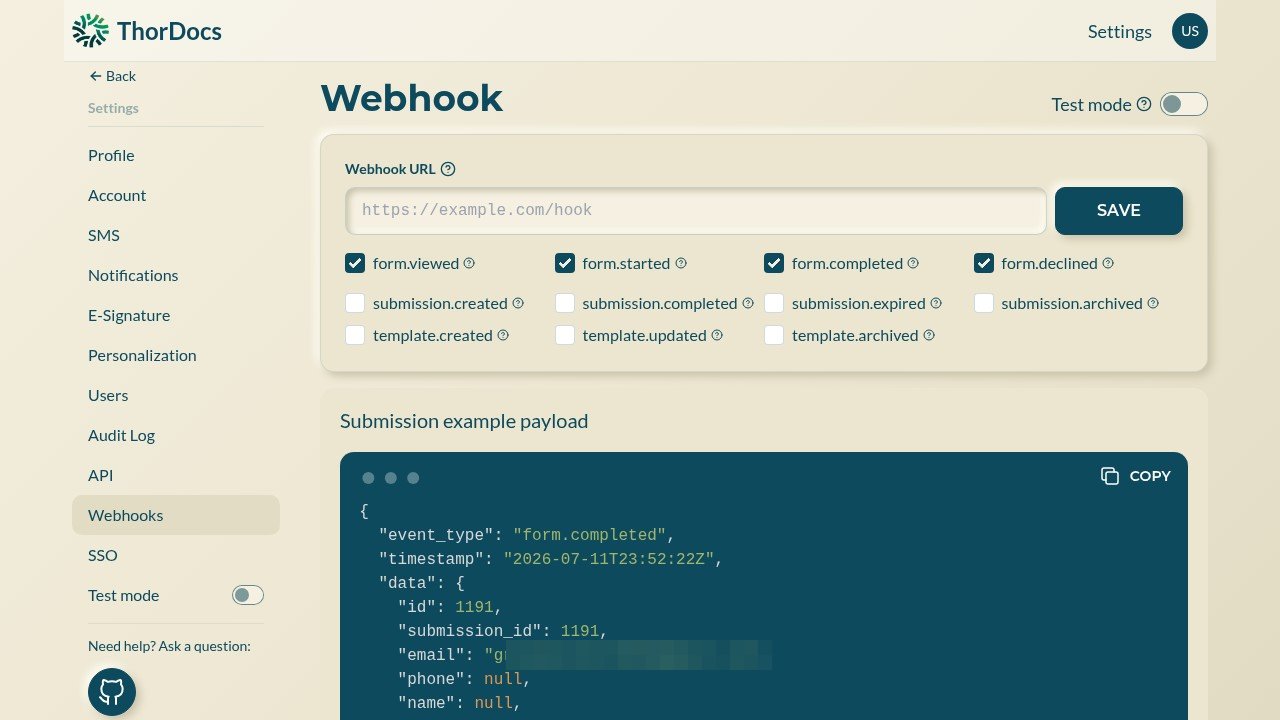
Settings → Webhooks takes a destination URL and a set of event checkboxes — form viewed, started, completed, declined, plus submission and template lifecycle events. ThorDocs POSTs a JSON payload to your URL each time a selected event fires.
-
Build against the example payload
The same page shows a live example payload, including the event type, timestamps, and submission data your endpoint will receive — copy it into your integration tests so your handler is verified before real documents flow.