ThorDocs sign-in is verified against Trinity Medical Management's Cognito user pool — credentials are managed centrally, and roles travel with the directory account. This page summarizes the security-relevant switches an admin controls.
-
Understand the sign-on model
Users sign in on the ThorDocs page with directory credentials; there is no separate ThorDocs password store and no self-service reset. Access is revoked by disabling the directory account, which takes effect at next sign-in.
-
Review the SSO panel
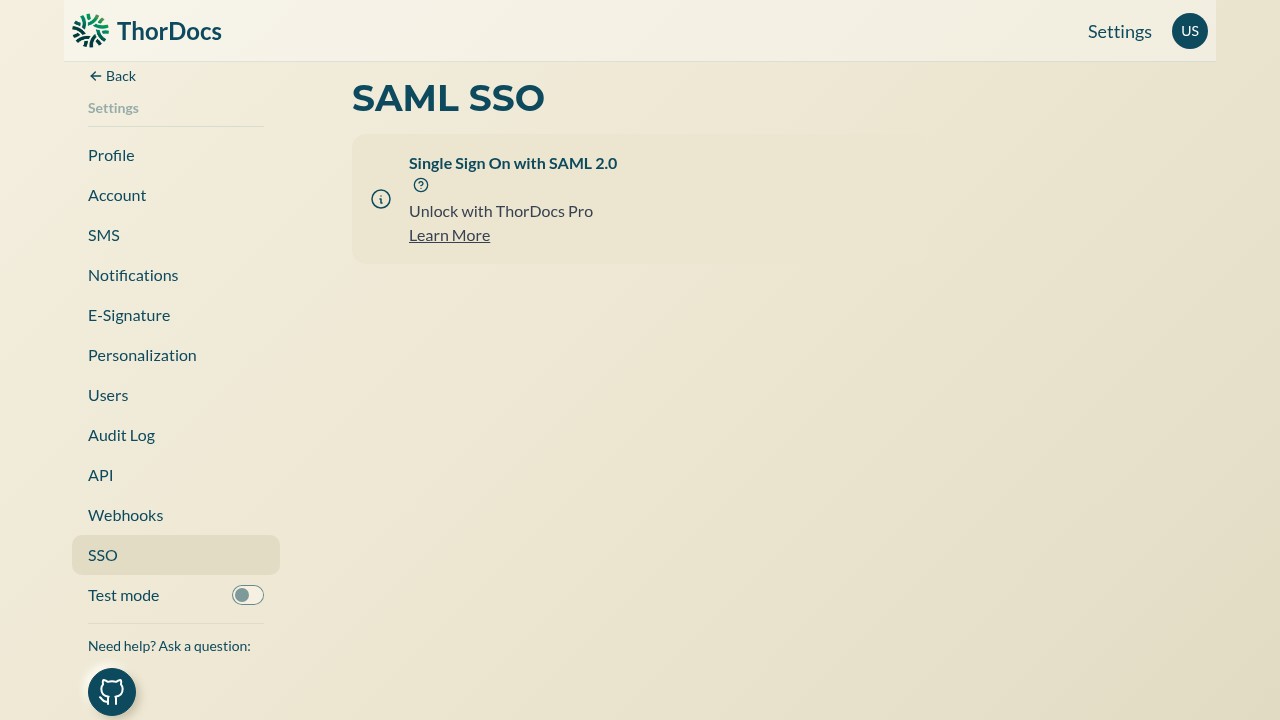
Settings → SSO shows the status of SAML 2.0 single sign-on for the deployment. When enabled at the platform level, users authenticate through the identity provider instead of typing credentials on the ThorDocs page.
-
Turn on the hard switches
In Settings → Account, force two-factor authentication for all users, require signing reasons, and add signature IDs to sealed documents. Combined with the audit log and per-template access control, these cover the common compliance asks.