Cloning duplicates a template with every document and field intact. It is the fastest way to make a site-specific or language-specific variant without rebuilding the field layout.
-
Start the clone
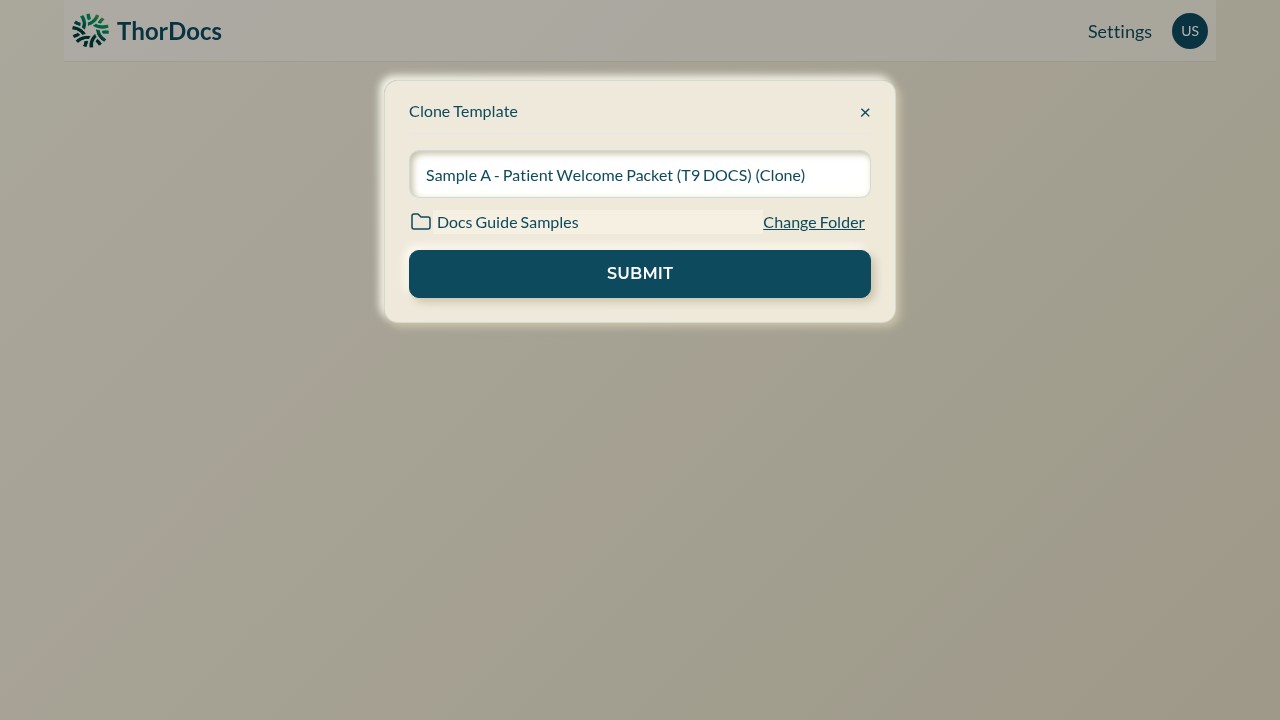
Open the source template and select CLONE in the toolbar. A dialog appears with a suggested name — the original name with "(Clone)" appended.
-
Name it and file it
Give the copy a meaningful name and pick its destination folder with Change Folder, then select SUBMIT. The clone opens in the builder immediately.
-
Adjust only what differs
Swap the underlying file with ADD DOCUMENT, tweak fields, or run the in-browser editor on the copy. The original template, its share links, and its submission history are untouched.