When a signed packet needs to be executed again — a new visit, an annual renewal, a correction after the fact — clone the submission instead of rebuilding the recipient list.
-
Open the finished submission
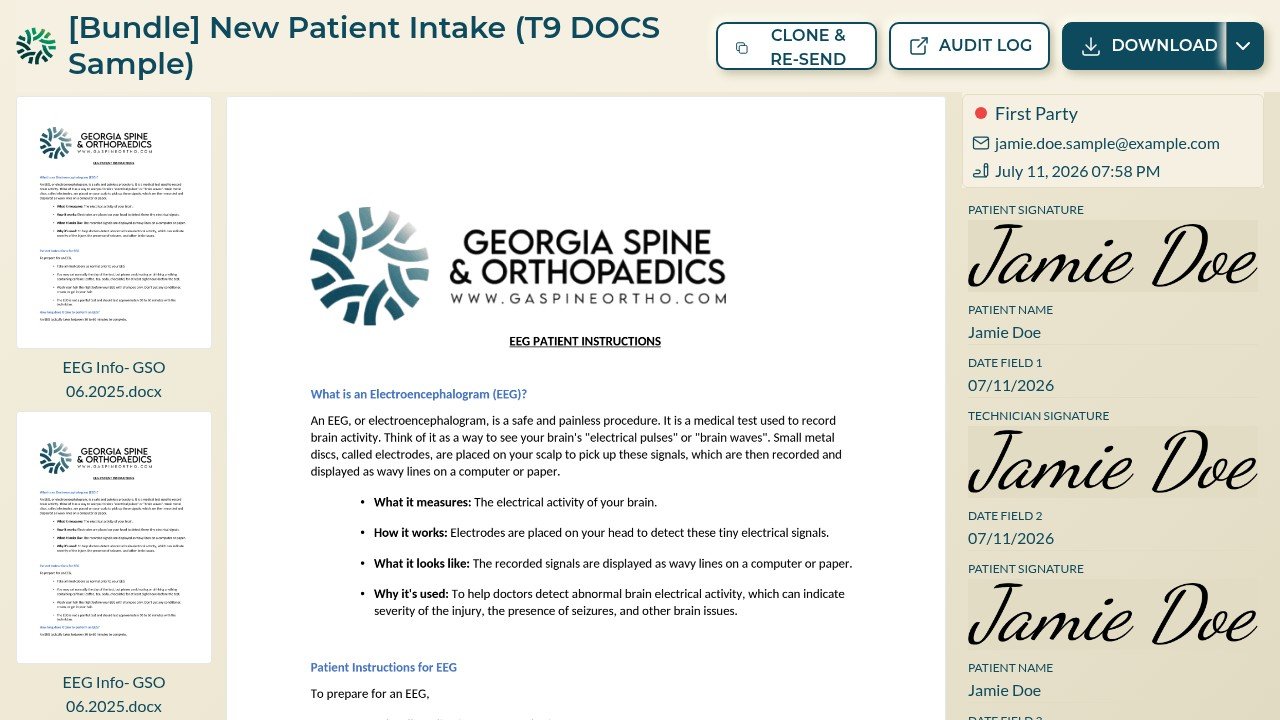
From the Submissions view, select VIEW on the submission you want to repeat. The submission page toolbar includes CLONE & RE-SEND.
-
Confirm and send
CLONE & RE-SEND creates a fresh submission on the same template with the same parties and sends new signing invitations. The original submission and its sealed document are unaffected.
-
Track it like any other
The clone appears in the Submissions view as its own row with its own audit trail — the two signing events stay cleanly separated for compliance.