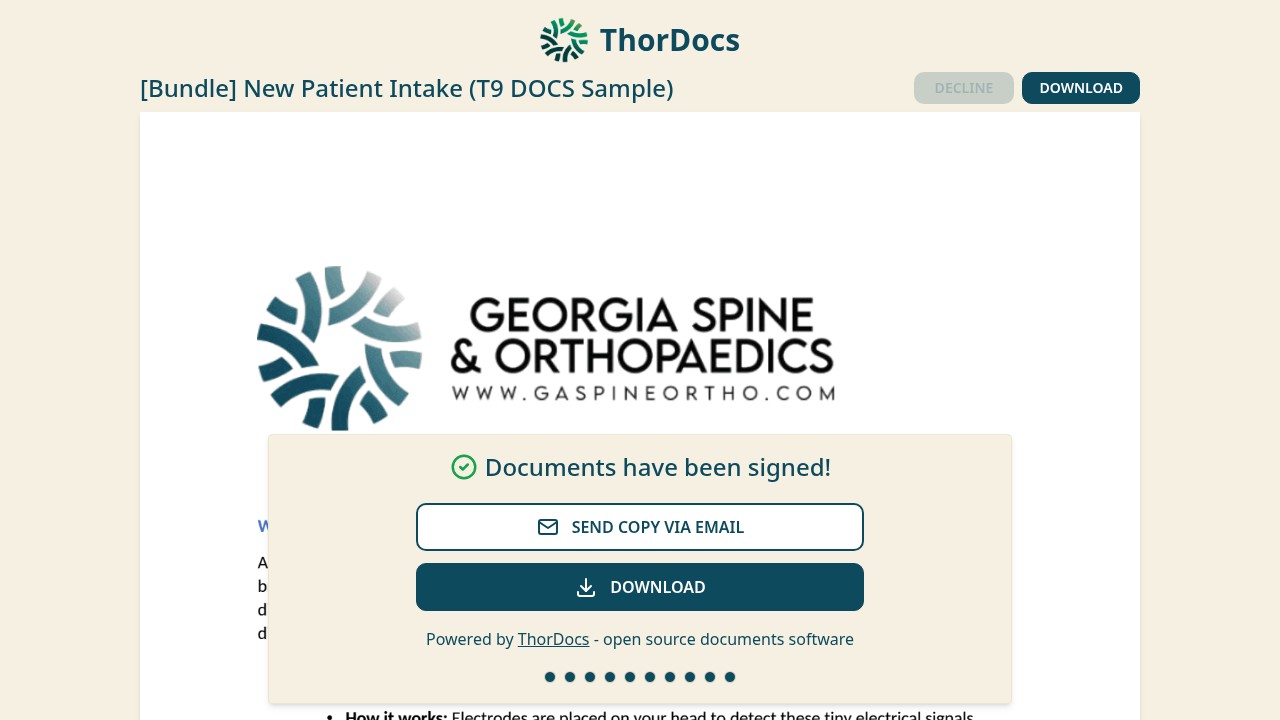
Share this guide with anyone who asks "what happens when I open the link". No account or app is needed; everything runs in the browser, phone included.
-
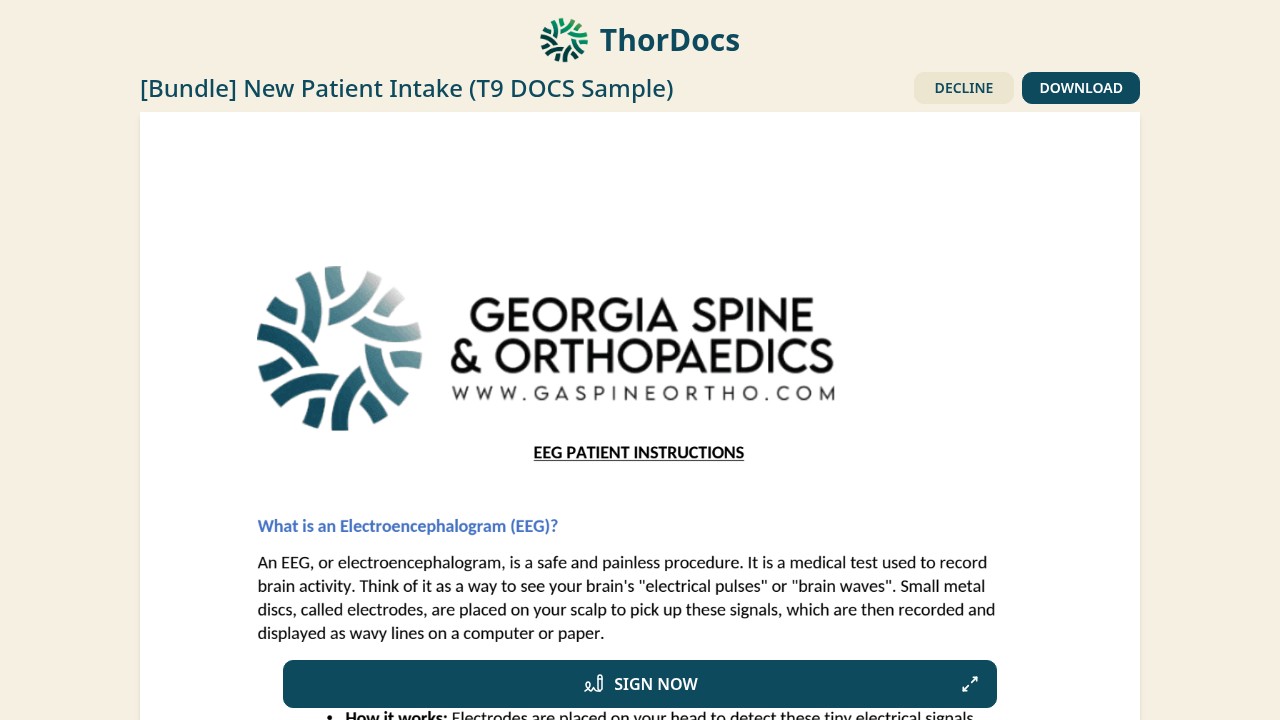
Open and review
The link opens the full document for reading first. The recipient can DOWNLOAD an unsigned copy, or DECLINE with a reason that is sent back to the sender. When ready, SIGN NOW starts the guided flow.
-
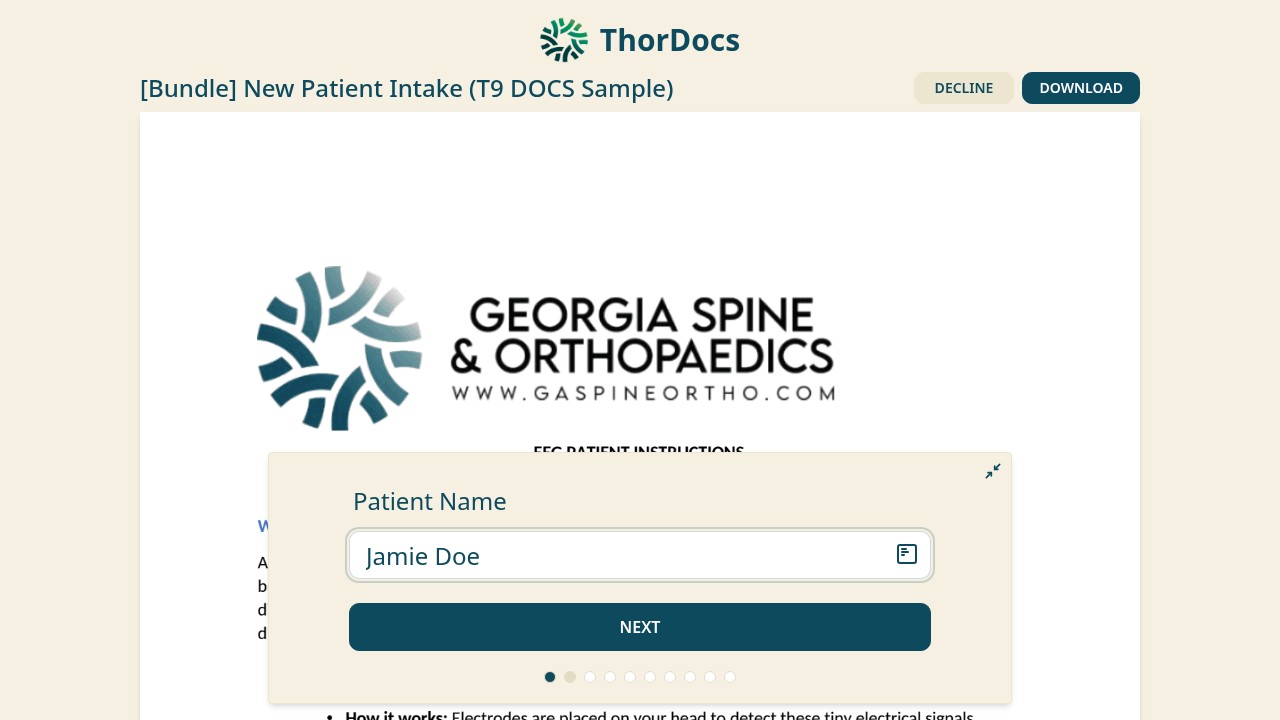
Step through the fields
A progress bar walks through each required field in order — one step per field, with NEXT advancing. Text and date fields are typed; the form scrolls the document to each field so nothing is missed.
-
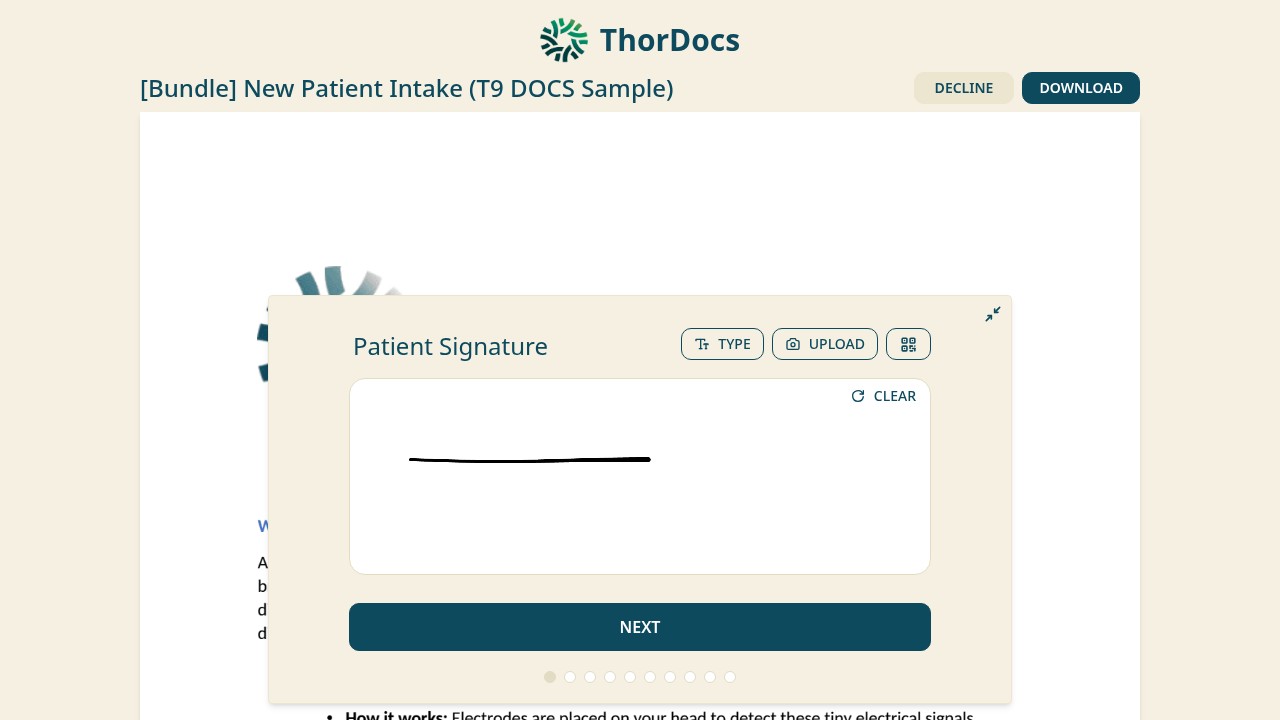
Sign it
Signature fields offer three ways to sign — draw on the touchscreen or with the mouse, TYPE a name rendered as a signature, or UPLOAD a photo of a written signature. CLEAR restarts the drawing.
-
Finish and keep a copy
After the last step the confirmation screen offers SEND COPY VIA EMAIL and DOWNLOAD. When every party has signed, the sender's side seals the final PDF and notifies the signed-copy recipients configured on the template.