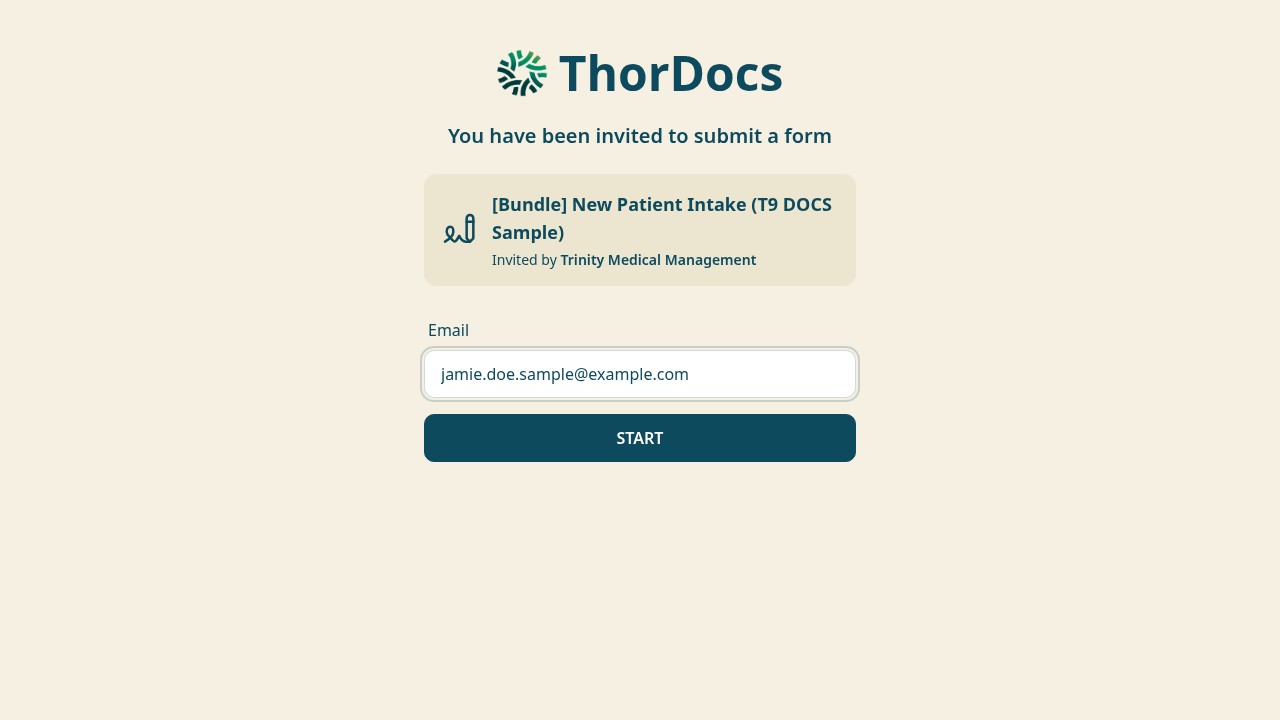
A bundle sends several templates as one packet — the recipient signs each document in order, in one sitting, from one link. Ideal for intake packets that combine consents, policies, and clinical forms.
-
Create the bundle
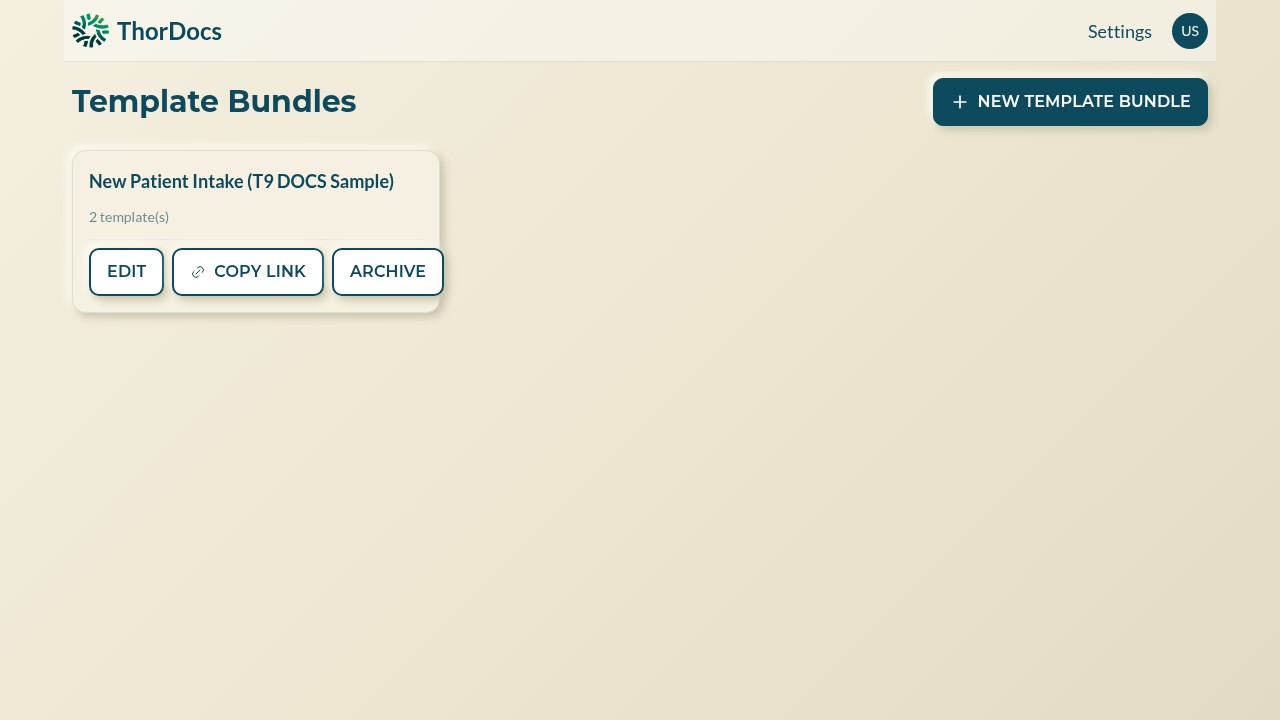
From the dashboard, open TEMPLATE BUNDLES and select NEW TEMPLATE BUNDLE. Bundles you already made appear as cards with EDIT, COPY LINK, and ARCHIVE actions.
-
Pick templates in signing order
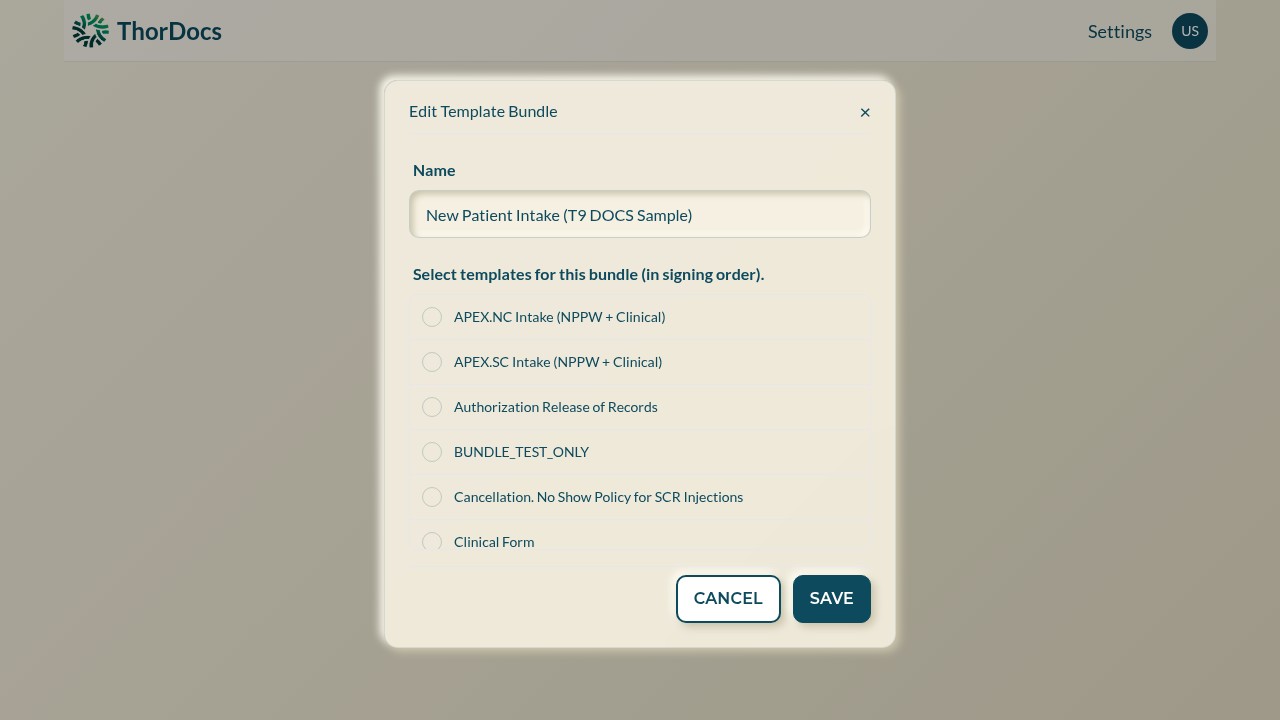
Name the bundle, then tick the templates it should contain — the order you select them is the order recipients sign them. SAVE publishes the bundle and its permanent link.
-
Share one link
COPY LINK gives you the bundle URL. Recipients enter their email, select START, and are guided through every document in sequence — each finished document is tracked as its own submission, prefixed with the bundle name, so per-document status stays visible.