A template is the reusable master of a document — the file plus its fillable fields. You make one once, then send it as many times as you need.
-
Choose upload or blank
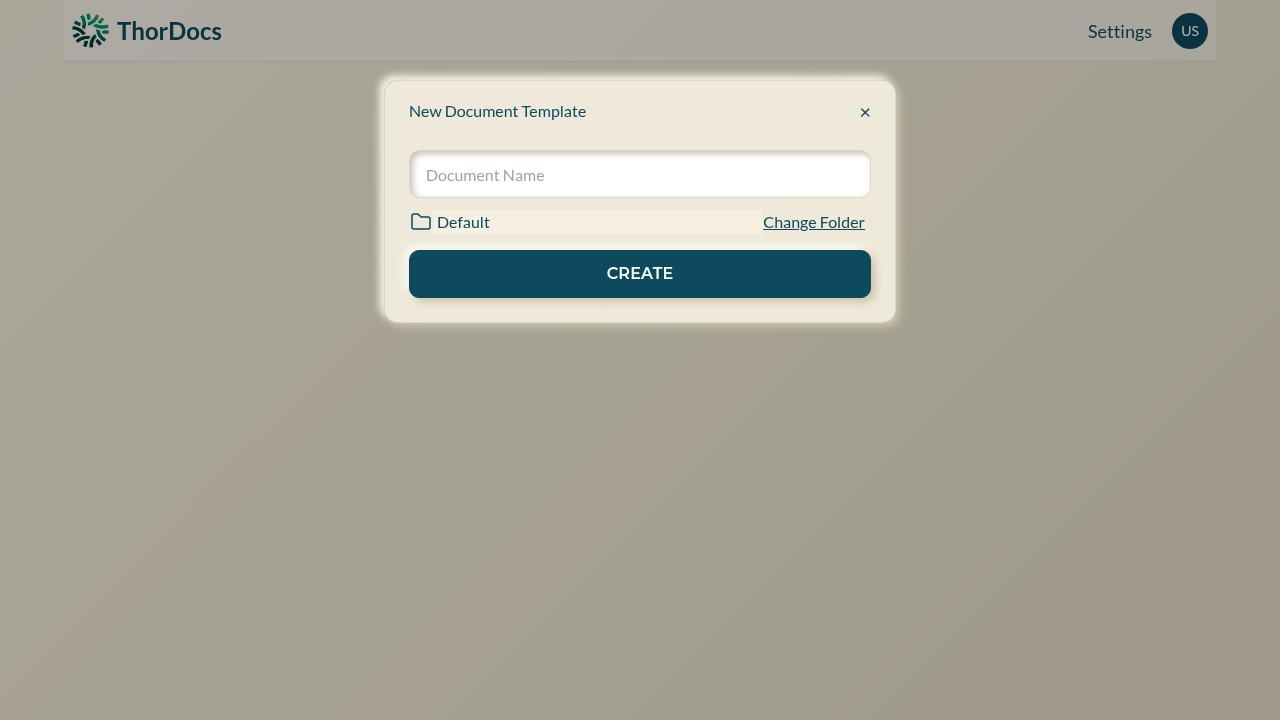
From the dashboard, UPLOAD converts an existing PDF or Word document into a template in one step. CREATE opens a small dialog for a blank template instead — name it, pick its folder with Change Folder, and select CREATE.
-
Land in the builder
Either path opens the template builder, where your document pages render on the left and the field toolbox sits on the right. Add more files to the same template with ADD DOCUMENT — a template can carry several documents that are signed together.
-
Save and reuse
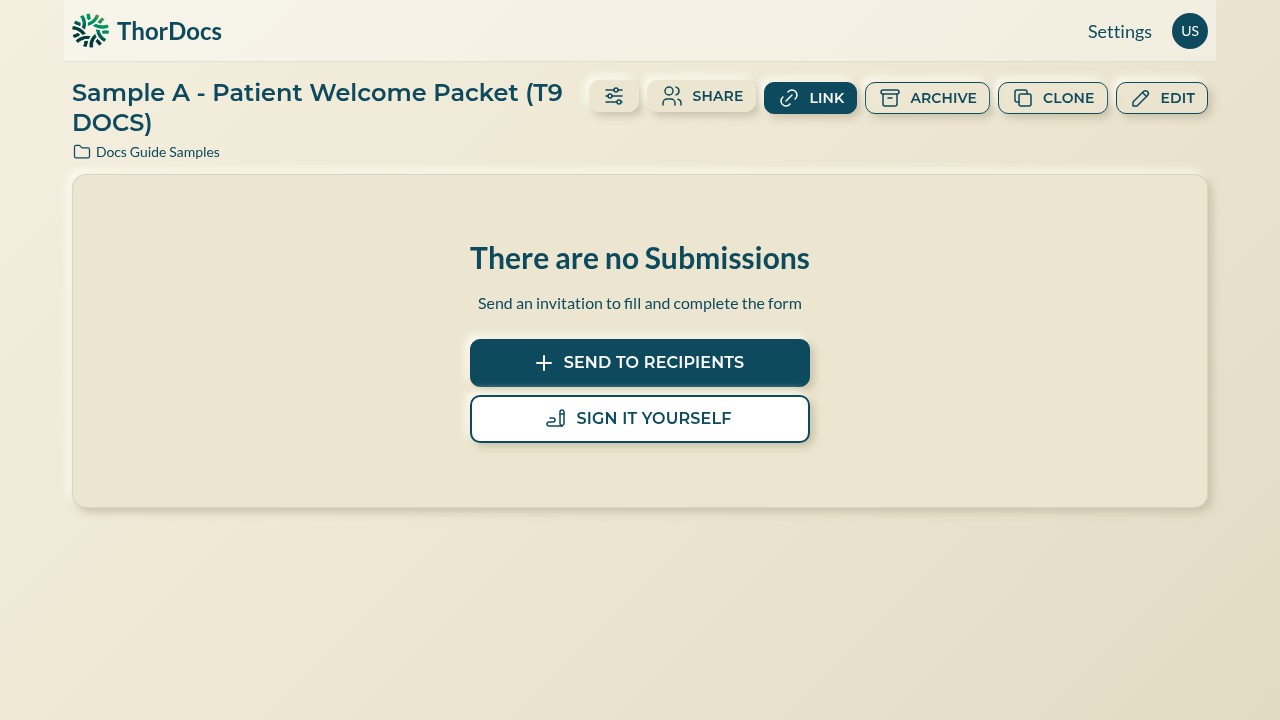
Select SAVE when the layout is ready. The template's own page then offers SEND TO RECIPIENTS, SIGN IT YOURSELF, a shareable LINK, ARCHIVE, CLONE, and EDIT — everything downstream starts from here.